Unknown threats
New and modified attack techniques can arrive before a detection rule exists.
 Zero Trust
PREVENTION AT THE ENDPOINT
Your organization cannot wait for every new attack to be recognized. Zero Trust Solution brings isolation and containment to Windows endpoints, helping prevent unauthorized actions before they disrupt your operations.
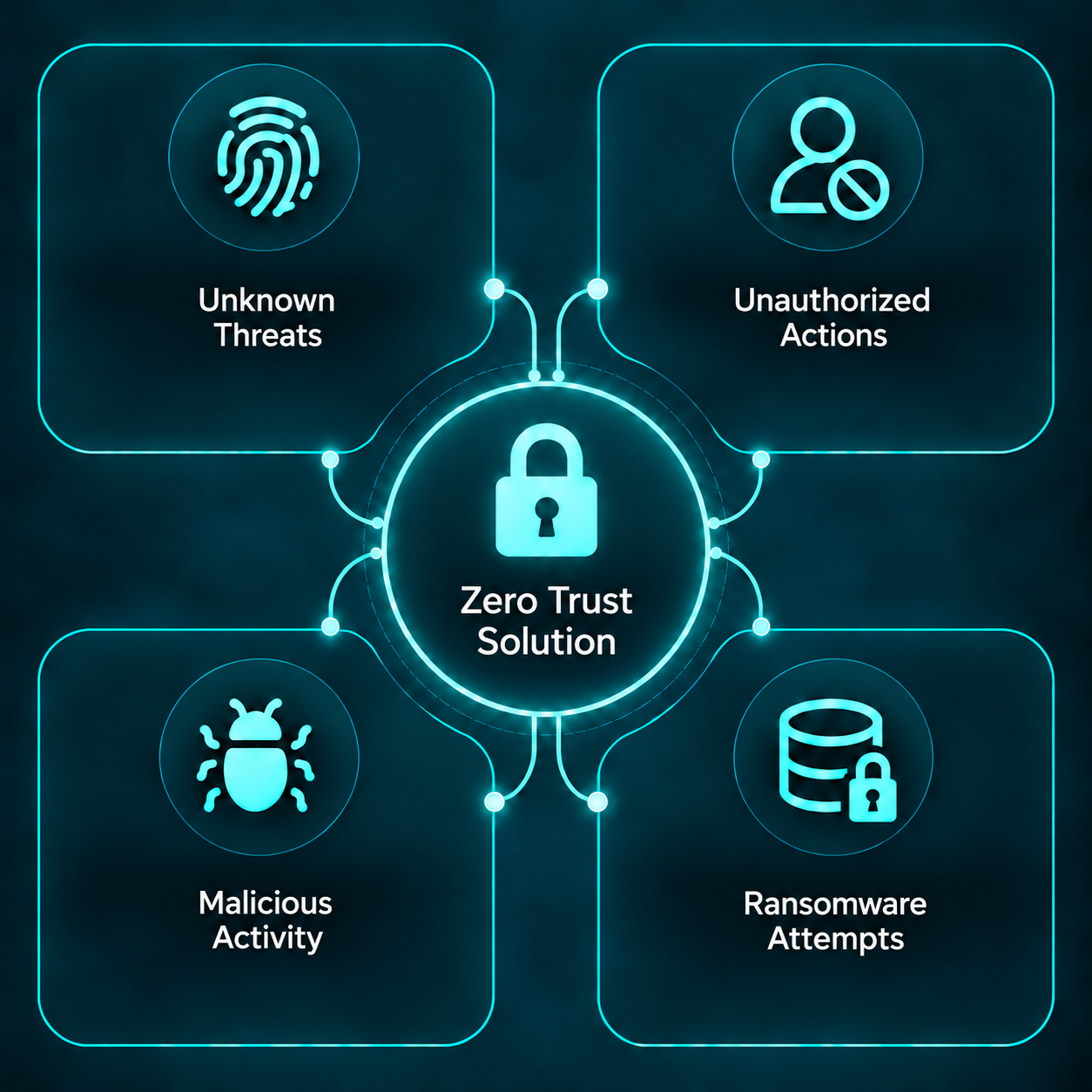
Restrict unauthorized actions.
Help protect the work that matters.
For businesses and public agencies seeking to secure their Windows endpoints.
THE EXPOSURE
Zero Trust Solution doesn’t need to recognize a threat to help protect your endpoints. By isolating applications and containing unauthorized actions, it helps prevent harmful activity before damage begins—even when an attack is new or unknown. Protection starts with preventing the action, without waiting for an alert or response.
New and modified attack techniques can arrive before a detection rule exists.
Attackers can turn legitimate applications and built-in tools toward unauthorized actions.
One compromised endpoint can draw teams into investigation, recovery and interrupted service.
THE APPROACH
Instead of depending solely on recognition, isolation and containment establish boundaries around endpoint behavior. The same control can apply whether the attempted action comes from a known attack or a new one.
Approved applications remain available to the people who rely on them.
Isolation and containment restrict what applications can do at the endpoint.
When an action falls outside those boundaries, the control can stop it without knowing the threat's name.
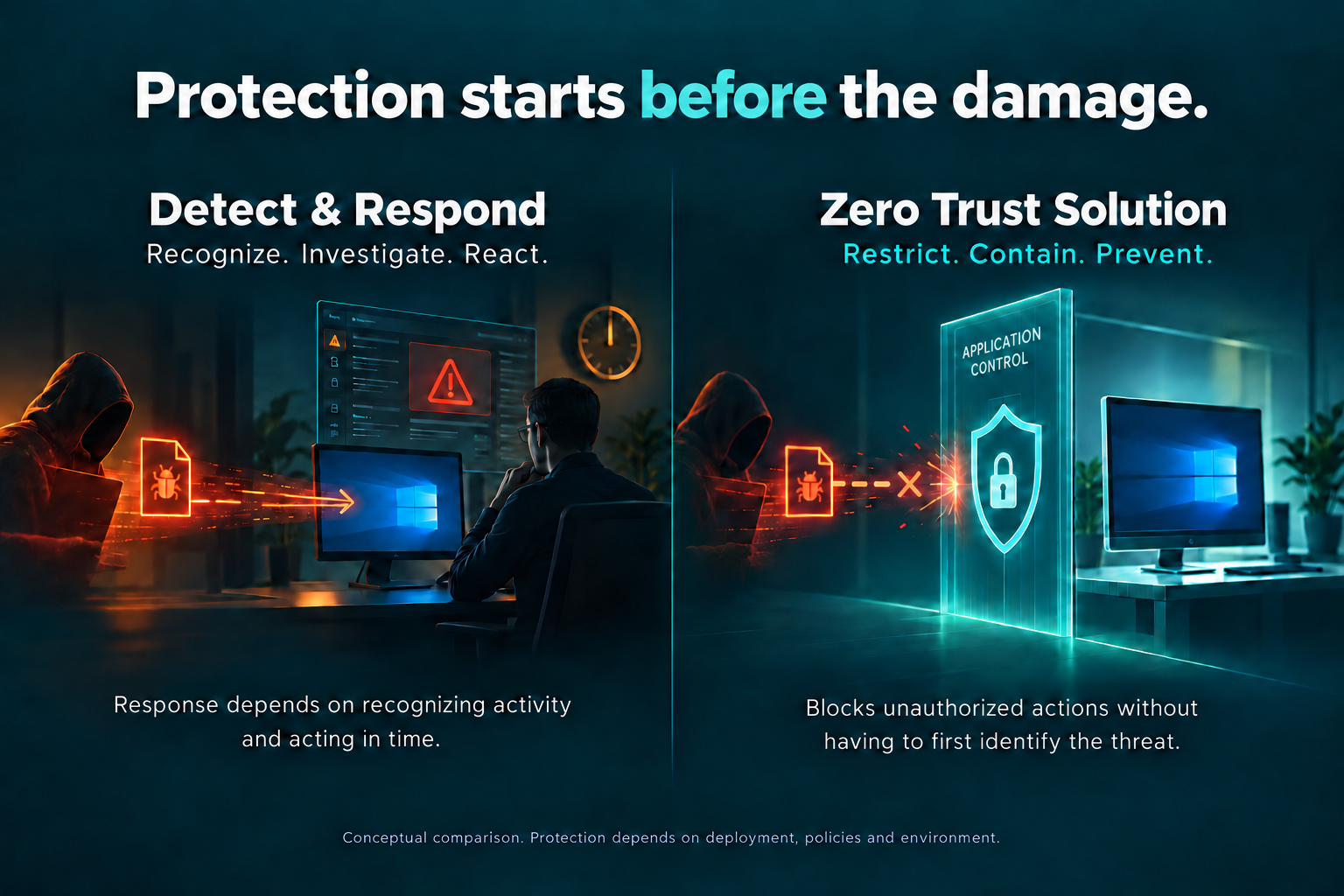
✓ Designed to isolate and contain the Windows endpoint without relying on detection and response, which can occur too late to prevent damage.
WHERE IT MATTERS
Help protect the endpoints employees use every day, while reducing the chance that an attempted intrusion becomes downtime, recovery work or a customer service issue.
Public teams need dependable access to the systems that support constituents and daily operations. Prevention at the endpoint adds a practical boundary against unauthorized actions.
Deployment fit, compatibility and security requirements should be evaluated against your specific environment.
A PRACTICAL NEXT STEP
Start with a conversation about your systems, security priorities and the threats you want to prevent. Then, see Zero Trust Solution in action through a demonstration or pilot tailored to your environment, with clear goals your team can evaluate.
Request a conversationCOMMON QUESTIONS
Zero Trust Solution helps protect endpoints without relying on threat detection. Once your team has seen how it performs in your environment, you can reassess which detection and response tools you still need, based on your operational needs and security requirements.
The approach restricts unauthorized actions an application tries to perform. That decision does not require identifying a malware family or signature first.
The source technology describes protection for Windows desktops, laptops and servers. Exact compatibility, configuration and deployment scope should be confirmed during evaluation.
Test prevention of selected unauthorized actions, application compatibility, administrative effort and how the control works alongside your existing security stack.
START THE CONVERSATION
Tell us about your organization and what you need to protect. We will use your details to follow up about a demonstration or evaluation.
Business and government inquiries welcome.